
Payments4 min read
How escrow protects your money on Sendways
Escrow is the reason peer delivery can work between strangers. Here is the mechanics behind it.
March 2025 · 3 min read
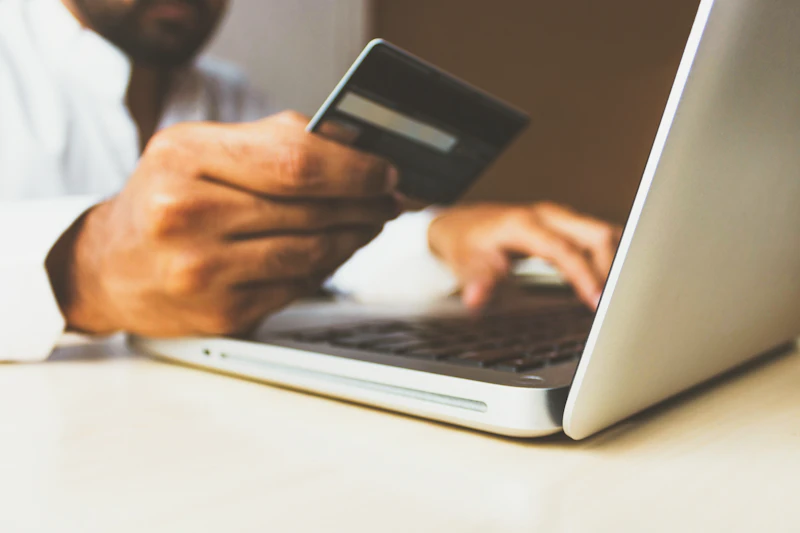
You cannot receive traveler earnings without a connected payout method. Here is how to set one up.
Before you can receive earnings from deliveries, you need at least one payout method connected to your account. Here is the full setup process.
Where to find it. Go to Account, then Payouts. If you have not added a payout method yet, you will see a prompt to add one.
Available payout methods. Bank transfer (SEPA for European accounts, local bank transfer for other regions), mobile money (M-Pesa, Airtel Money, and Wave in supported markets), and Sendways wallet balance that can be used for future bookings.
Adding a bank account. Enter your bank name, account number, and relevant routing or IBAN details. Sendways sends a small verification deposit (typically under USD 1) to confirm the account is active. Enter the amount shown in your statement to complete verification.
Minimum payout threshold. Each payment method has a minimum payout amount. Bank transfers typically require a minimum of USD 10 or equivalent before a payout is processed. Earnings below this threshold accumulate until the minimum is met.
Payout currency. Select your preferred payout currency when adding your method. This determines what currency your earnings are converted into before transfer. You can change this at any time.
Multiple payout methods. You can add more than one method and select which to use for each payout. This is useful if you travel between countries and prefer different accounts depending on your location.
Security. Payout method changes trigger an email notification to your registered address. If you did not request a change, contact support immediately.
Join thousands of travelers and senders on Sendways & Co.
Escrow is the reason peer delivery can work between strangers. Here is the mechanics behind it.

Payment timing matters. Here is exactly when and how travelers receive their earnings.

Sendways operates across many corridors. Here are the currencies supported for payments and payouts.